
A brand shows up in small details that customers can see and touch. A CO₂ laser engraving machine puts a sharp, lasting mark on a product, whether that is a logo on acrylic or fine text on wood. This article explains how engraving supports branding and personalization for small and mid-sized manufacturers.
Why engraving works for branding
A brand needs to look the same on every product. Laser engraving makes a permanent mark that does not fade, peel or wash off. Next to a printed label or sticker, an engraved mark tends to feel like a higher-quality product.
The process is also repeatable. The same file produces the same result on every item in a batch, so the logo looks identical on the first piece and the thousandth.
Read also: How deep can a 300W laser cutter go? Cutting thickness explained
Precision supports the brand image
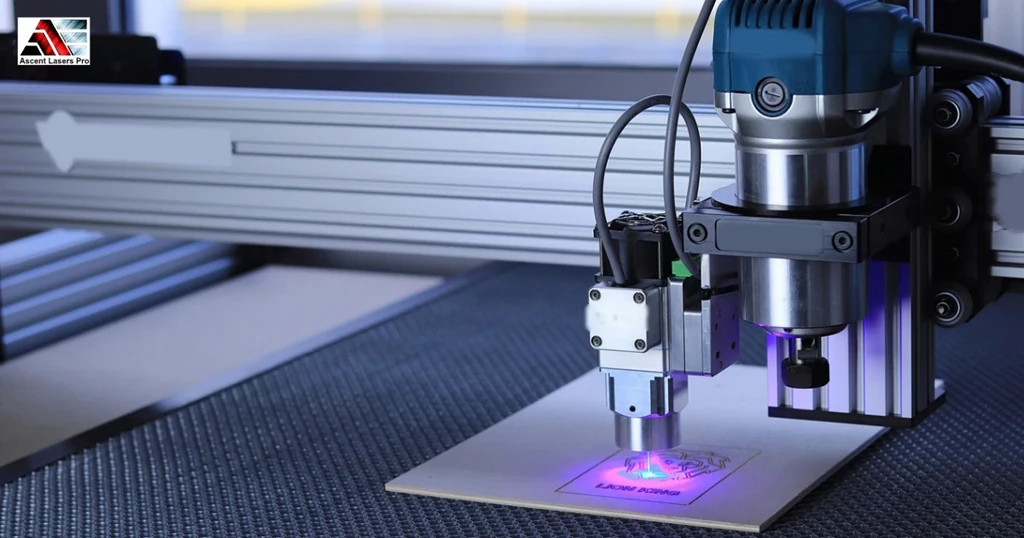
Rough edges and uneven marks make a product look cheap. A laser produces sharp lines and smooth finishes, and small fonts and detailed logos stay readable. A CO₂ laser works well on the nonmetal materials used in branded products: wood, acrylic, leather and rubber. Because the work is digital, the design stays accurate, and there is no tool to wear down.
Personalization without slowing production
Changing a name, number or code is a file edit, not a tooling change. That lets you engrave items one at a time or in groups, each with its own data, such as serial numbers, QR codes or custom text. A small business can offer personalized products without missing delivery dates.
Where engraving is used
- Displays and nameplates. Acrylic panels and nameplates get clean edges and sharp text.
- Manufacturing. Part numbers and logos support traceability on materials a CO₂ laser can mark.
- Promotional products. Plaques, awards and branded gifts feel more premium when engraved.
- Packaging. Wooden packaging can carry a logo or message.
Results on different materials
Power, speed and focus are adjustable for each material. Wood engraves with depth and contrast. Acrylic gives a smooth, frosted mark. Leather shows a crisp, dark mark. A shop with mixed jobs can use one machine for all of them by changing the settings.
Short runs and custom orders
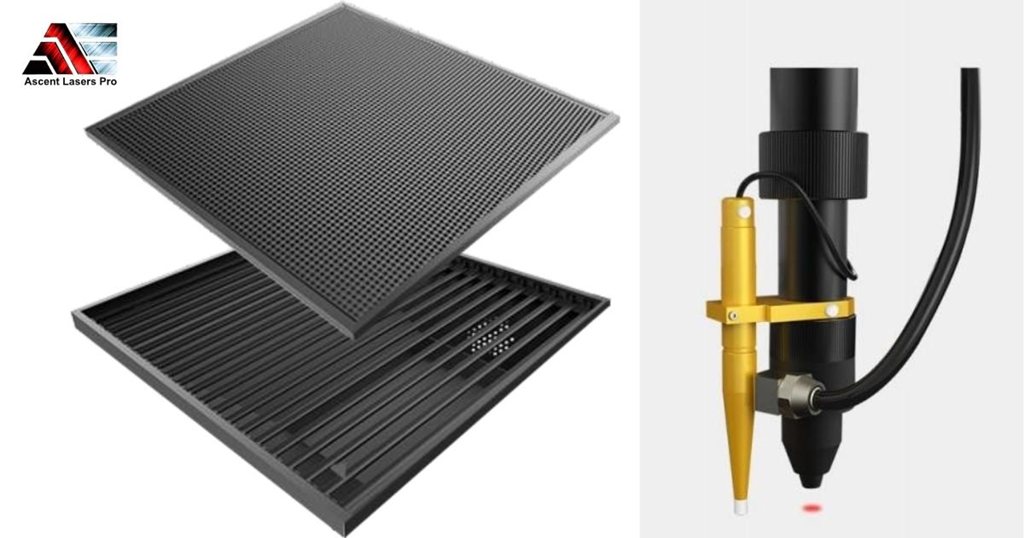
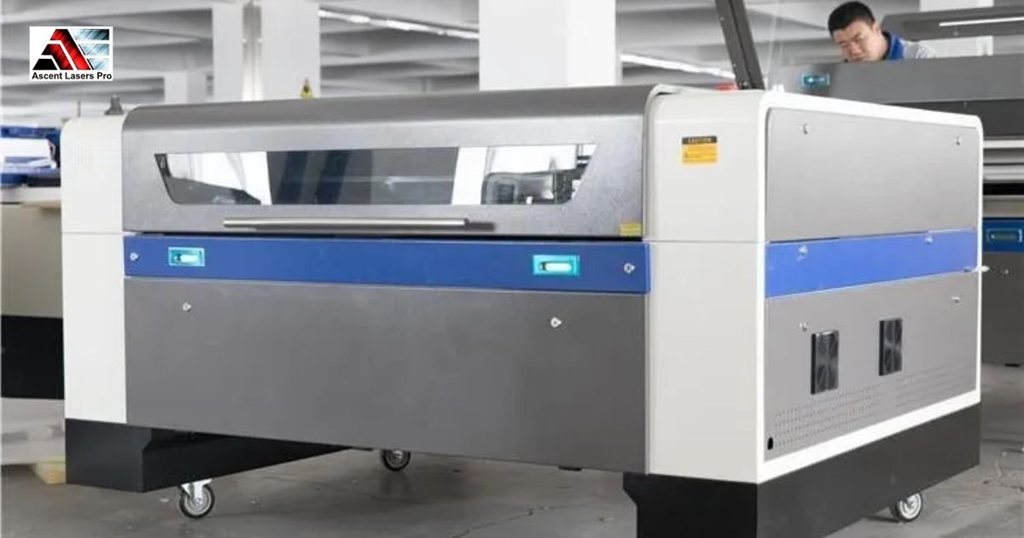
Small businesses often take short runs. Setup is quick, files load fast, and the output stays consistent, so a single machine can handle both standard and personalized orders. The Ascent 130W CO₂ laser cutter and engraver has a 1300 x 900 mm working area, an autofocus laser head and a red dot positioning system. It cuts acrylic up to 25 mm thick.
Fewer errors, better workflow
Manual branding depends on the operator's skill. Once settings are saved on a laser, the result repeats, which cuts down rejects and rework. Jobs queue digitally, so operators spend less time adjusting tools.
Marks that last
An engraved design becomes part of the surface. That suits outdoor displays, industrial parts and products that get long use, where a printed mark might wear away.
Choosing the right setup
Low power suits fine detail on thin material. Higher power suits thicker material and faster cycles. Think about your materials and your volume. Keep lenses clean and the cooling system working to protect engraving quality over time.
For metal, a CO₂ laser is not the right tool. Engraving bare metal calls for a laser engraver built for metal.
Conclusion
A CO₂ laser engraving machine gives you clean, permanent, consistent marks across many materials, which supports branding and custom work. Ascent Lasers Pro installs the machine at your facility and trains your operators, and both are included in the price. Visit Ascent Lasers Pro or contact us to find the right system.
FAQs
Q1: What is a CO₂ laser engraving machine used for?
It engraves and cuts nonmetal materials such as wood, acrylic, leather and rubber, with fine detail.
Q2: How does laser engraving improve branding?
It makes permanent, sharp and consistent marks that do not fade or peel, which gives the product a more professional look.
Q3: Can it handle personalization?
Yes. Names, serial numbers, logos and QR codes can be changed through the file, with no tool changes.
Q4: Is a 130W CO₂ laser suitable for a small business?
It suits many small shops that engrave and cut acrylic, wood and leather. Check the size, power and materials against your work.
Q5: Which businesses benefit most from CO₂ laser engraving?
Manufacturers, packaging businesses, promotional product companies and shops that make displays and nameplates.