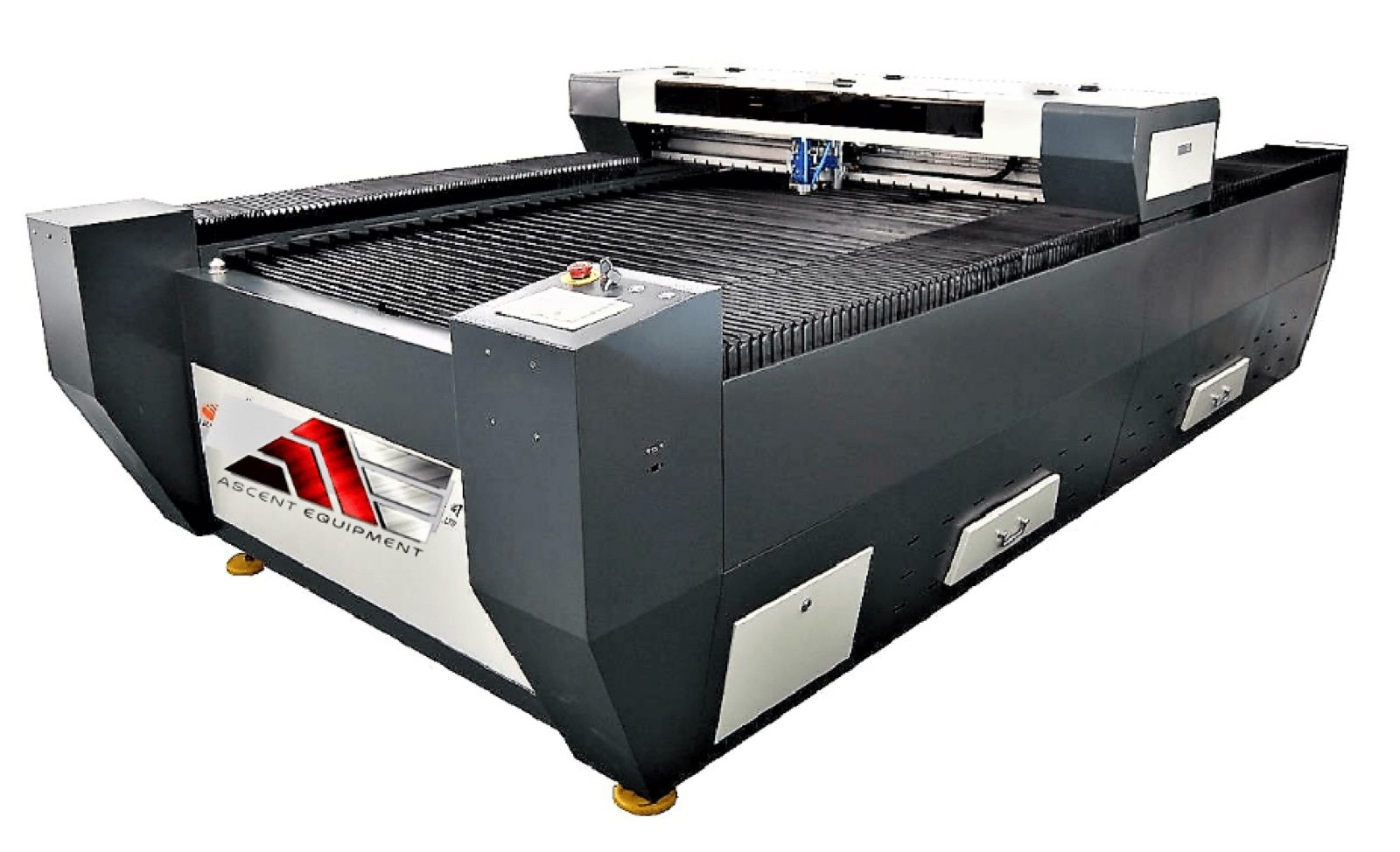
280W CO2 Laser Cutter
Servo and screw drive for accurate positioning
A 280W CO2 laser on a 4' x 8' bed. It cuts acrylic and other nonmetal materials. We sell and support it in Canada and the USA.
- Anti-dust system that stops dust from building up
- Servo motors with screw transmission hold position and keep the machine running steadily
- The blade table is level with the side of the housing, so sheets go on and come off easily
- The laser head sits outside the laser cover, so the operator can watch the cut as it happens
- Upgraded electrical panel
- Cuts and engraves wood, MDF, acrylic, leather, rubber, glass, tiles, marble and granite
Part of the G series
This cutter is part of the G series, a line of laser equipment developed with two aims: use the full performance of the motion control system, and make laser processing more effective. Those aims shaped the software design, the mechanical structure, the electrical design and the choice of parts. The focus throughout is on processing quality. A complete quality management system stands behind how stable, accurate and fast the equipment is. The G series is made for industrial laser processing.
What the design gives you
- An anti-dust system keeps dust from accumulating.
- The machine runs stably because a servo motor and screw transmission do the positioning.
- The surface of the blade table and the side of the machine shell are the same height. Loading and unloading are easier that way.
- The laser cover leaves the laser head on the outside, so you can monitor the process in real time.
- The electrical panel has been improved.
What it processes
The machine cuts and engraves nonmetal materials. Examples are acrylic, Plexiglas, wood, MDF, leather, rubber, standard glass, tiles, marble and granite.
Recommended cutting settings for the 280W laser
Use these values as a starting point. Speed is in mm/s, and power is a percentage of full output. The last column shows the air supply: the air pump for acrylic, and an air compressor at the listed pressure in MPa for MDF and wood.
| Material | Thickness (mm) | Speed (mm/s) | Power (%) | Gas (MPa) |
|---|---|---|---|---|
| Acrylic | 3 | 50 | 30 | Air pump |
| 5 | 30 | 40 | Air pump | |
| 8 | 15 | 60 | Air pump | |
| 10 | 12 | 65 | Air pump | |
| 15 | 7 | 70 | Air pump | |
| 20 | 3 | 70 | Air pump | |
| 25 | 2 | 75 | Air pump | |
| 30 | 1 | 85 | Air pump | |
| MDF | 3 | 40 | 50 | Air compressor 0.5 |
| 6 | 20 | 65 | 0.6 | |
| 8 | 15 | 70 | 0.6 | |
| 10 | 10 | 70 | 0.6 | |
| 12 | 8 | 75 | 0.8 | |
| 15 | 4 | 85 | 0.8 | |
| Wood | 5 | 30 | 65 | Air compressor 0.5 |
| 10 | 10 | 70 | 0.8 | |
| 12 | 8 | 75 | 0.8 | |
| 18 | 4 | 80 | 0.8 | |
| 25 | 2 | 85 | 0.8 |
Technical specifications
| Specification | Value |
|---|---|
| Working area (mm) | 1300 × 2500 mm |
| Working area (feet) | 4' × 8' |
| Laser source | CO2 glass tube |
| Laser power | 80–280 W |
| Laser safety class | Class 4 laser |
| Software | RD WORKS |
| Resolution ratio | < 0.0125 mm (accuracy ±0.05 mm) |
| Position system | Red light position system |
| Repeated positioning accuracy | < ±0.02 mm/s |
| Interface | USB |
| Supported graphic formats | DST, PLT, BMP, DXF |
| Motor | Servo and screw transmission positioning |
| Operating humidity | 5–95 % |
| Cutting speed | 3500 mm/s |
| Includes | Exhaust fan, exhaust pipe, water chiller |
| Power | One phase 220 Vac |
Why buy this cutter from Ascent Lasers Pro
Our CO2 laser cutters for acrylic are made to work precisely and efficiently. They suit hobbyists as well as business owners.
Precise cuts and neat edges
The machine is engineered for accuracy and fine detail. Cuts come out clean and edges come out refined. Both matter on intricate designs, and both raise the overall quality of the finished product.
One machine for many acrylic jobs
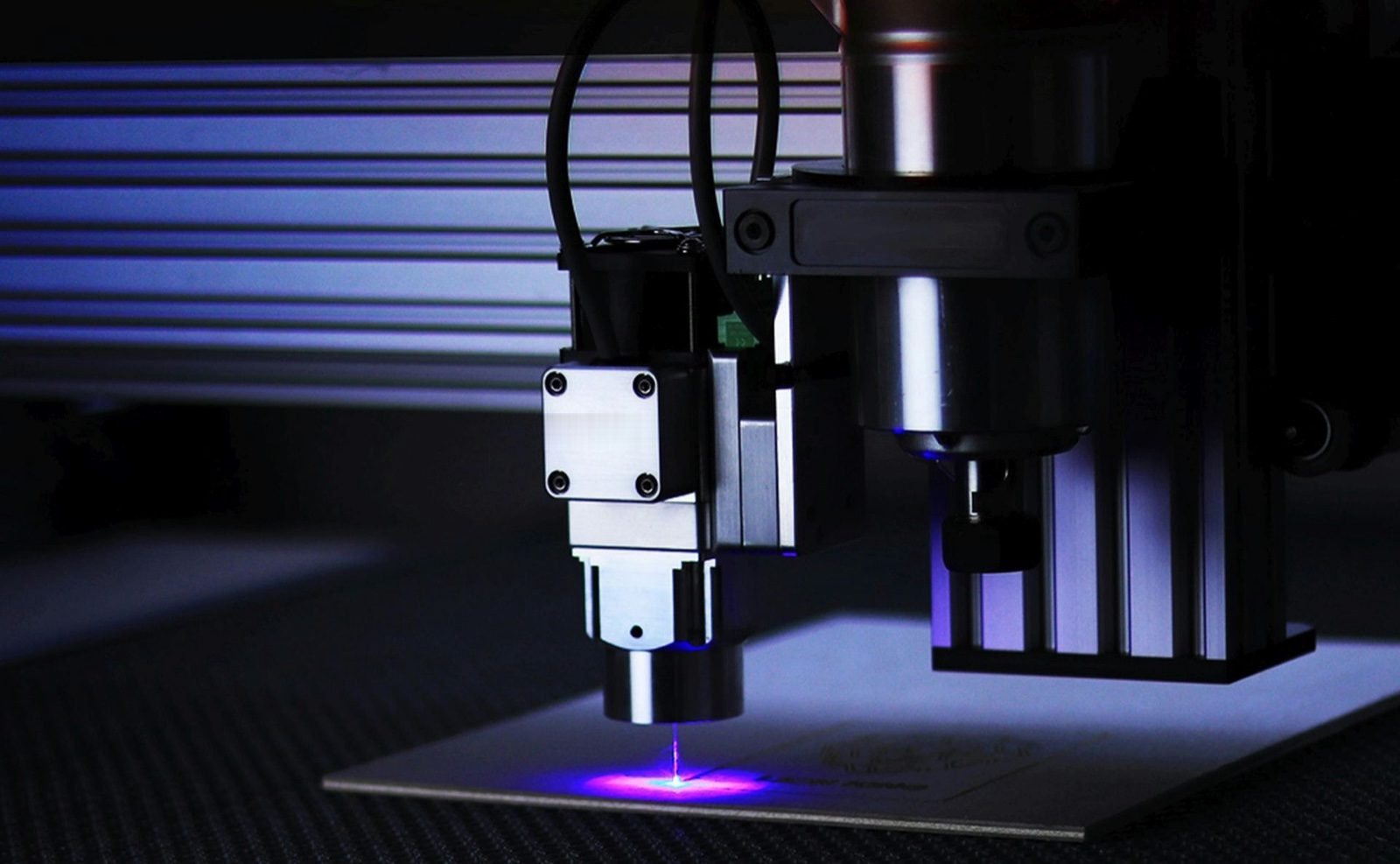
The cutter takes many types and thicknesses of acrylic. A single machine turns out custom designs, functional components and decorative pieces, so there is no need to switch equipment.
Lower cost over time
The machine is durable and reliable. That means fewer maintenance problems and lower costs in the long run. Projects also finish sooner, which cuts labor time.
We serve customers in both Canada and the United States.
How CO2 laser cutting works
A CO2 laser cutter aims a concentrated beam of light at the material to cut it, engrave it or shape it. This section covers how the beam is made, where CO2 lasers are used, and how they compare with conventional cutting.
How the beam is made
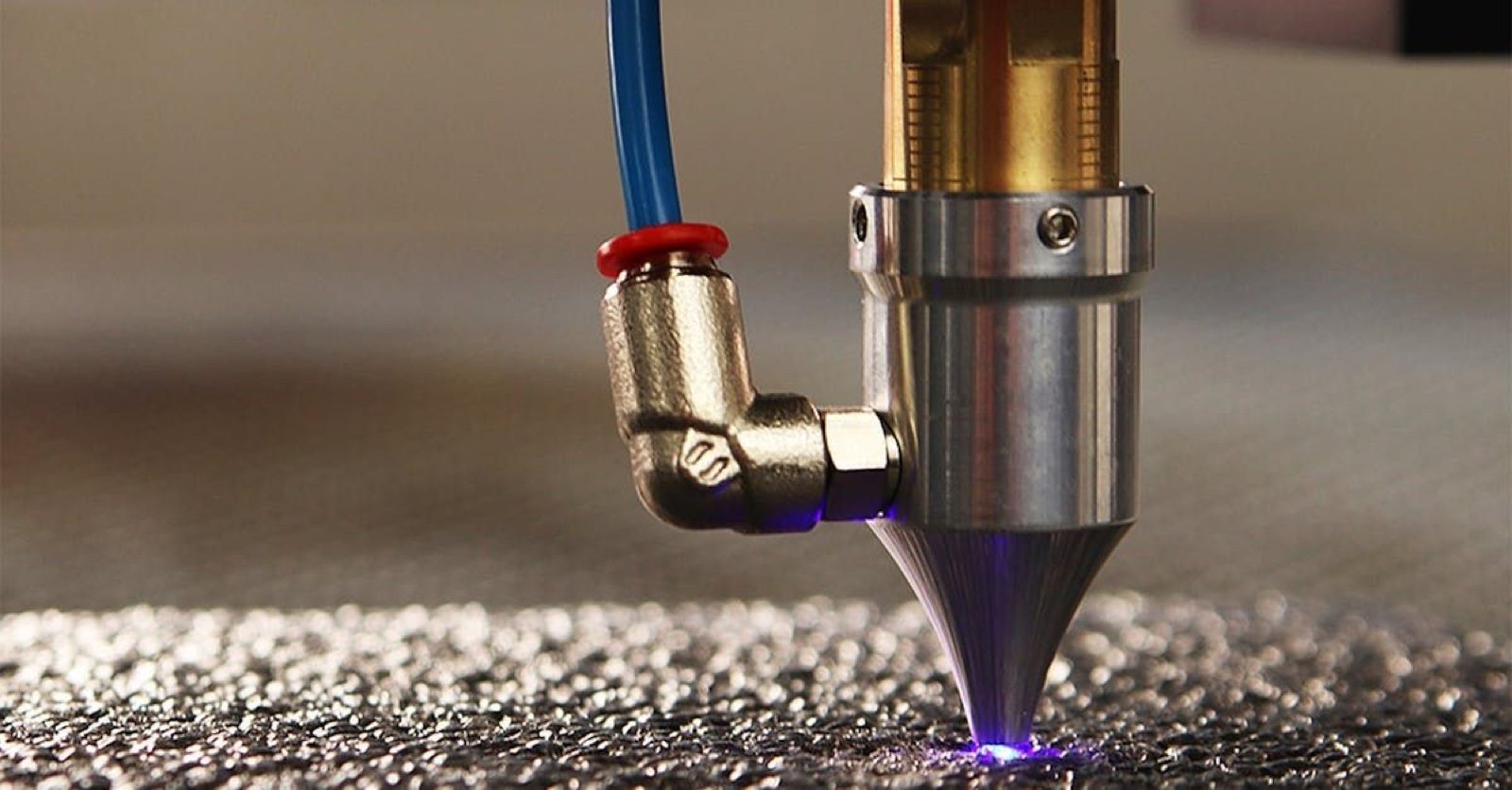
Carbon dioxide gas sits in a sealed tube. When the gas is stimulated, it gives off a high-energy beam of light. Mirrors and lenses aim that beam at the surface of the material, which heats up and then melts or vaporizes. The beam is accurate enough for complex cuts and elaborate engraving.
Where CO2 lasers are used
CO2 laser cutters serve many fields. Manufacturers and fabricators use them, and so do artists and craftspeople. As a technology, CO2 lasers etch or cut cloth, leather, wood, acrylic and thin metal. Advertising companies use them to make eye-catching displays. Textile producers use them for precise cutting of complex patterns and motifs.
This model is sold for nonmetal materials. To cut metal, use a fiber laser cutter. For metal and nonmetal on one machine, see the dual gantry CO2 and fiber laser cutter.
How it compares with conventional cutting
- Accuracy. Edges come out sharp and smooth, and fine details are held.
- No contact. Nothing touches the workpiece, so the material is less likely to be damaged.
- Range. One CO2 laser cuts and engraves many different materials.
- Speed. The laser works fast, which raises productivity and efficiency.
How to pick a CO2 laser cutter
Three things decide which CO2 laser cutter fits your work: what your materials are and how thick they run, the cutting speed you want, and the precision you need. Ascent Lasers Pro offers CO2 laser cutters in a range of cutting areas and power levels. For a smaller working area, see the 130W CO2 laser cutter and engraver. Our staff will guide you through the choice, so you end up with the right machine, whether it is for a business or for creative projects.
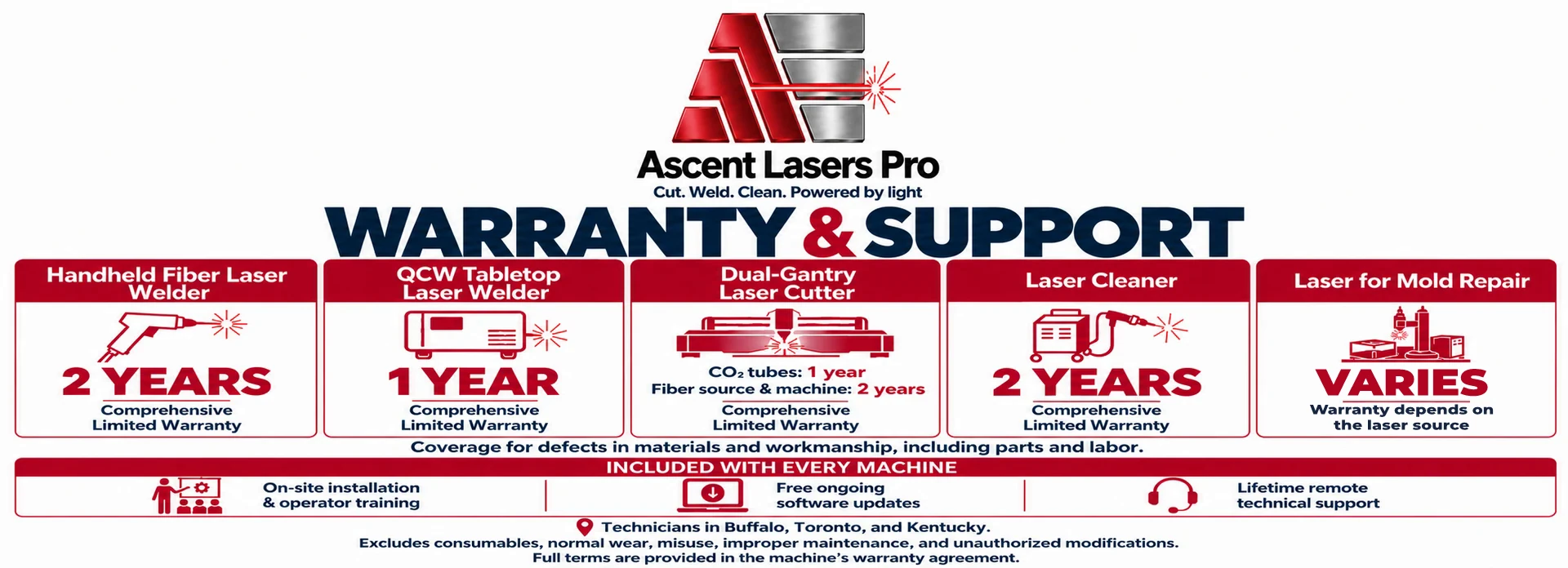
Warranty and support
Acrylic cutting questions
How should acrylic be cleaned before cutting?
The surface has to be clean for the laser to cut well. Wipe off dust, dirt and fingerprints with a soft cloth and a mild mix of detergent and water. Do not use strong chemicals or abrasive cleaners, because they can damage the acrylic. For protective film or residue that will not come off, use isopropyl alcohol on a lint-free cloth. Let the sheet dry completely before it goes into the laser cutter.
How do power and speed change with acrylic thickness?
Start with the manufacturer's recommended settings or the ones in the machine manual. The table above lists them for the 280W laser. In general, thick acrylic needs more power and a slower speed, and thin sheet cuts at lower power and a faster speed. Always run test cuts on scrap first. Adjust until you get the result you want, with no over-burning and no melting.
Why does ventilation matter when cutting acrylic?
Cutting acrylic with a laser releases fumes and particles. They can hurt cut quality and shorten the life of the equipment, so a strong exhaust system has to carry them away. Inspect and clean the exhaust filters regularly so the system keeps working properly. Air assist also helps. It blows pressurized air along the cut path, which reduces smoke and debris and improves the cut.