
A laser that stops cutting or welding properly costs you output every hour it sits idle. Plenty of faults can be sorted out without a service call. Ascent looks after its lasers online, and when a person does have to travel, our technicians based in Buffalo, Toronto, and Kentucky can be there on very short notice.
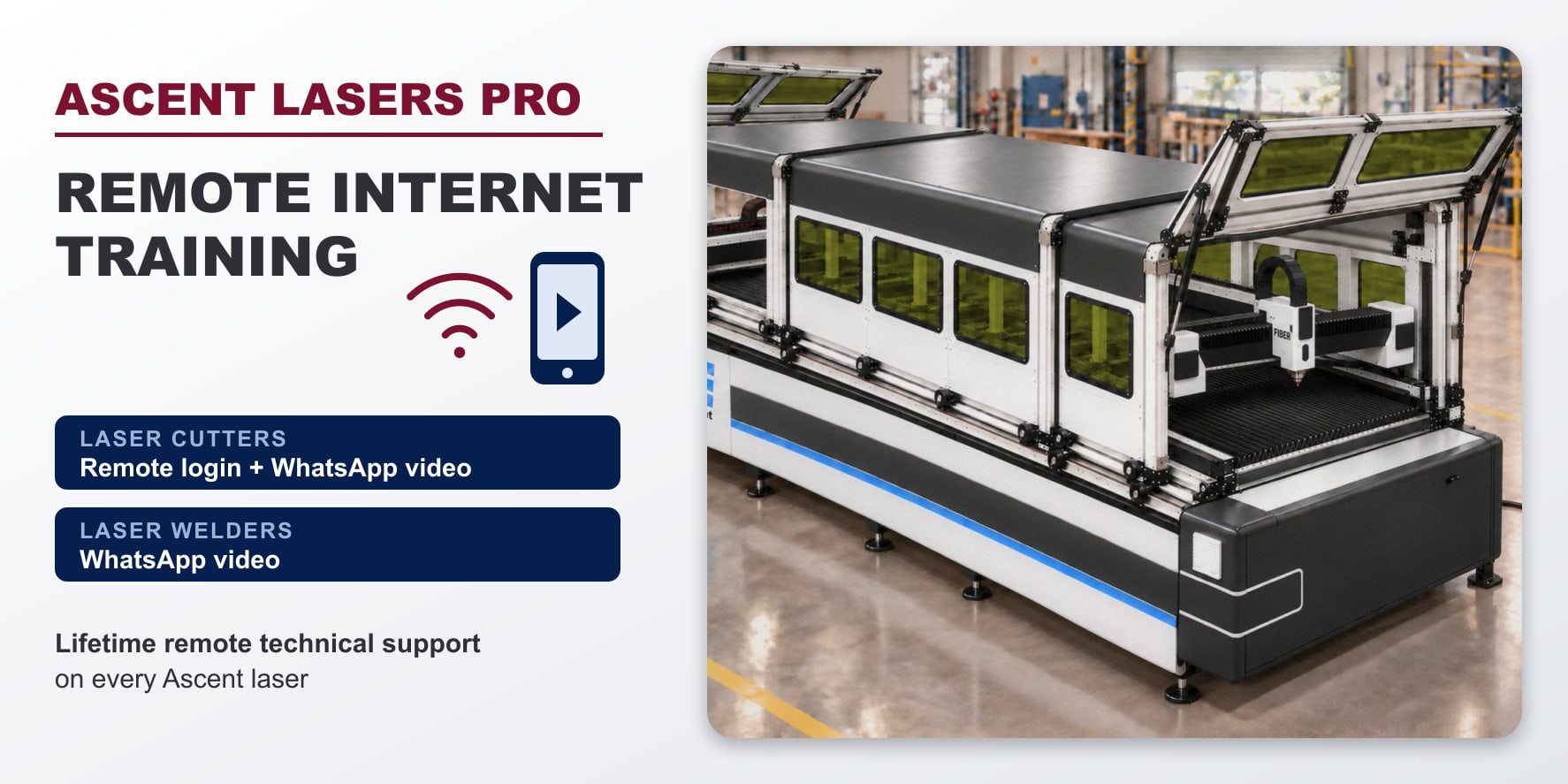
Laser cutters: one shared screen
Every Ascent laser cutter ships with remote desktop software already set up on its computer. Once you give the go-ahead, a technician connects over the Internet and works on the same screen you are looking at.
From there we can go through the cutting file, the cut parameters, the software, and the machine diagnostics, and correct whatever can be corrected without a visit.
Other causes are physical: the cutting head, the assist gas, or the sheet lying on the bed. For those we add a WhatsApp video call. Aim your phone at the part, and the technician follows the video and your screen together.
Laser welders: WhatsApp video
A laser welder is supported by WhatsApp video call. Show us the weld, the torch, the wire feeder, or the settings screen, and the technician talks you through the correction.
Poor welds often come down to the settings. Our guide to laser welder settings covers power, speed, and wobble, and on a call we can go through yours together.
Pause welding before you show us the problem. Wear your laser safety eyewear, and keep the phone out of the beam path.
Remote training
Every machine includes installation and hands-on operator training at your location, and handheld welder training takes about three to four hours. Remote sessions carry on from there, for example when:
- a new operator joins the shop
- someone wants a refresher
- you move to a new material or job
- a software update adds a feature (updates cost nothing)
On a laser cutter, the trainer follows your work through the remote login while a WhatsApp video call covers the shop floor. On a welder, the trainer coaches you by video while you hold the torch.
Where remote help stops
Remote sessions handle settings, files, software, technique, and diagnosis. They cannot swap out a worn part or fix hardware. When the fault turns out to be physical, a technician can travel to you on very short notice.
Before you call
- Stand at the machine with the power on. A laser cutter also needs an Internet connection.
- Note any error text and what you did just before the problem appeared.
- Keep a sample cut or weld within reach.
- Charge your phone and open WhatsApp.
- Keep one person at the machine throughout, because the technician sees only your screen or your camera.
- Follow every laser safety rule while we talk. Our laser safety guide lists them.
Help for as long as you own the laser
Lifetime remote technical support and free software updates are part of every Ascent laser.
Questions about a machine, or want to schedule training? Contact us or call 1-800-927-5107 ext. 1008. Our product pages cover the fiber laser cutter, the dual-gantry cutter, and the handheld laser welders.